macOS Portfolio
A portfolio you use like a Mac: windows, Dock, Finder, Safari and Terminal, built with Next.js
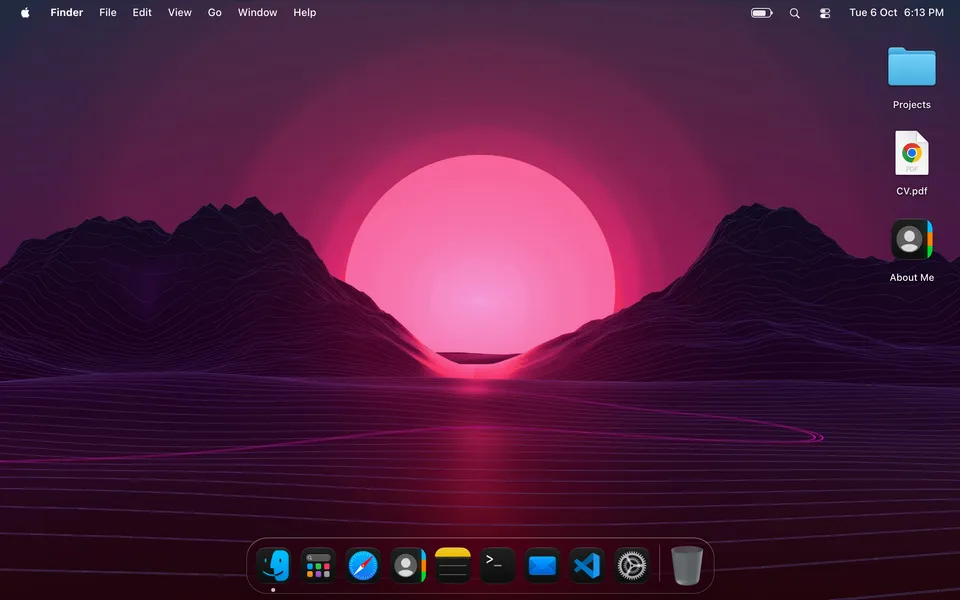
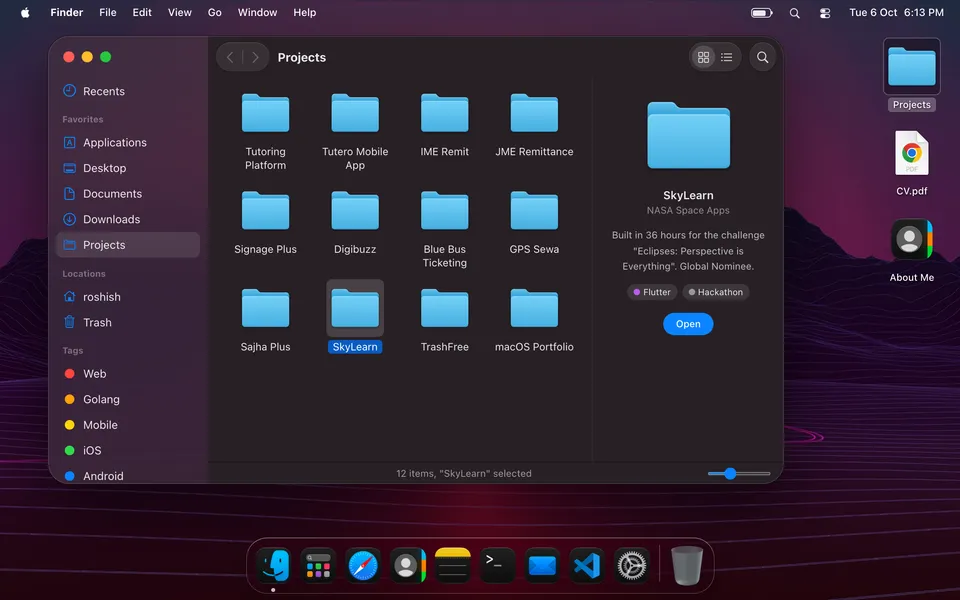
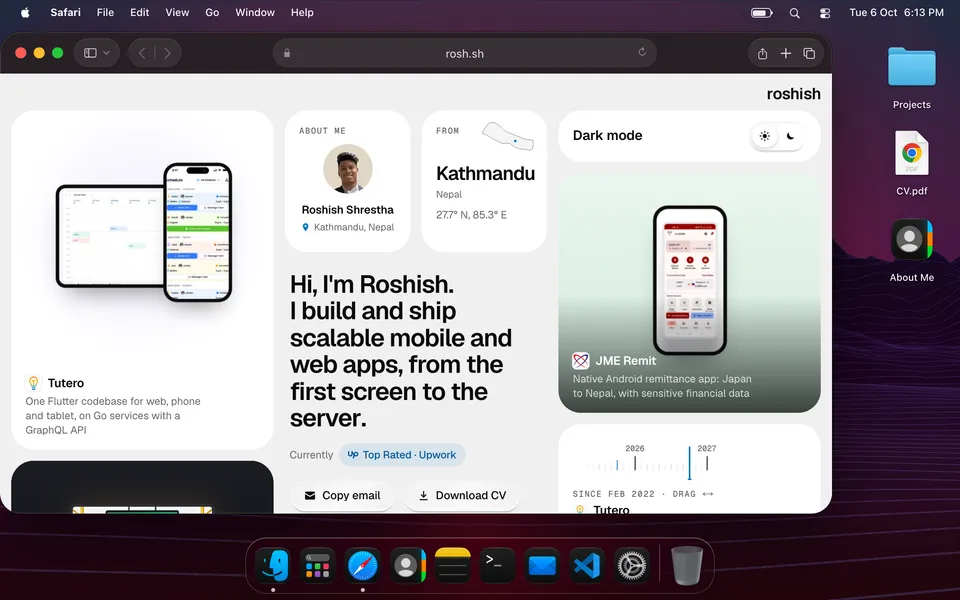
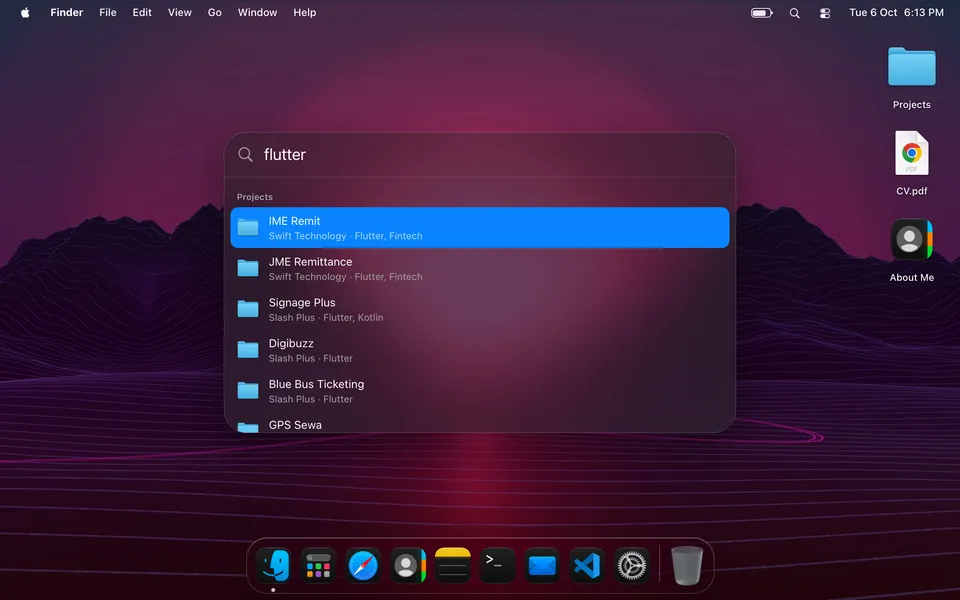
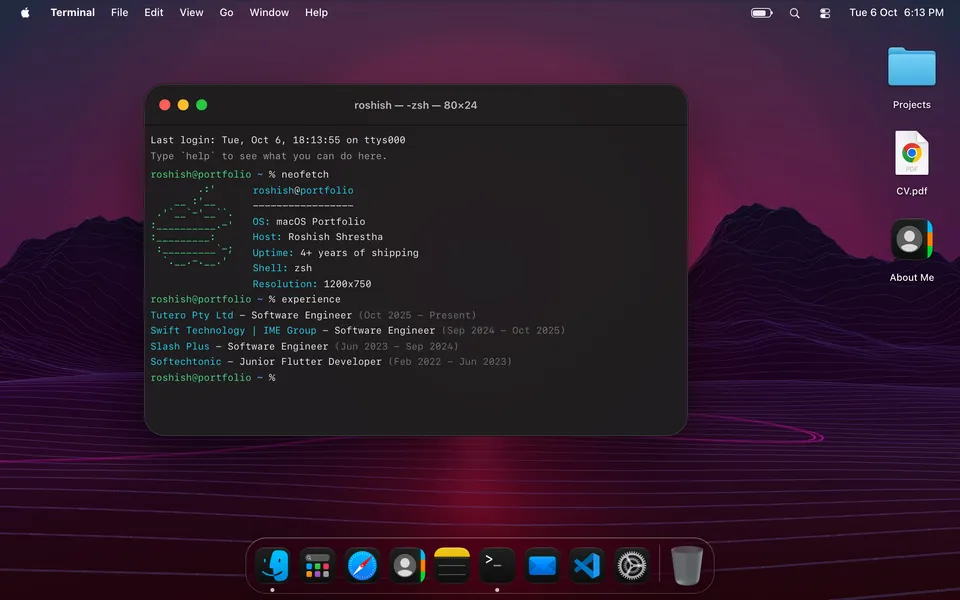
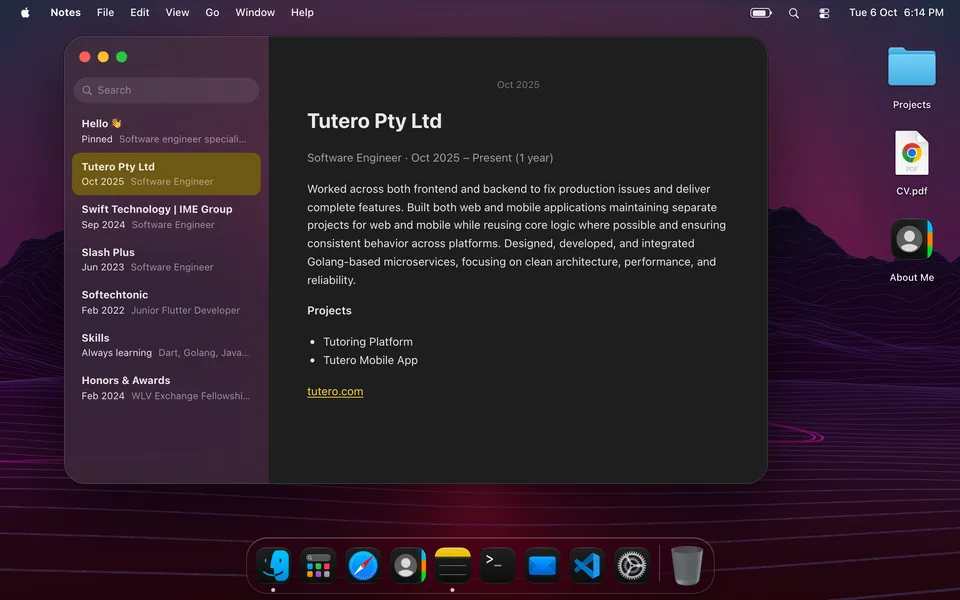
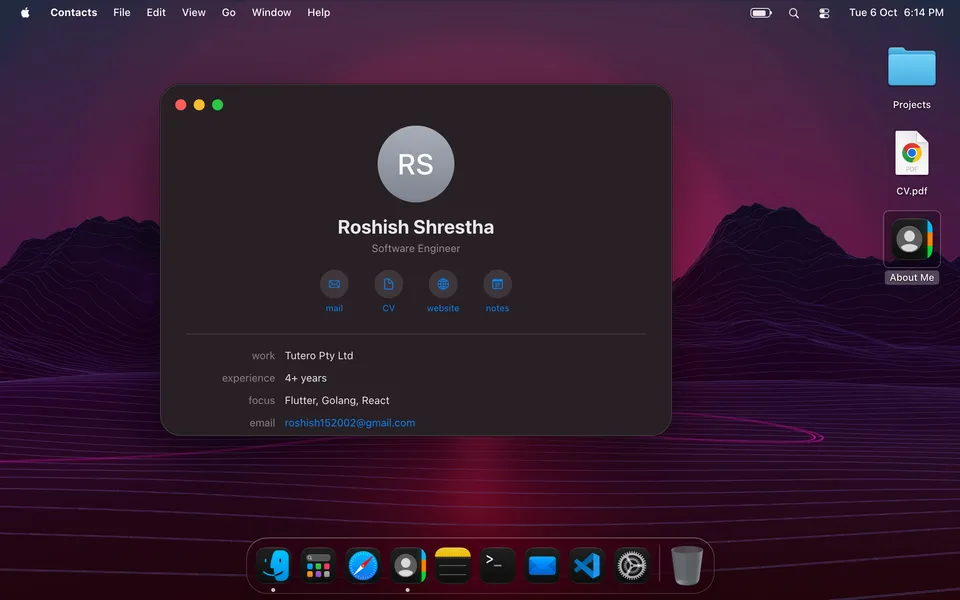
macOS Portfolio is a personal site you use like a Mac. Instead of scrolling a page, visitors land on a desktop: they open Finder to browse projects, read experience in Notes, run neofetch in Terminal, drag icons into the Trash and send mail from Mail. It's live at macos.rosh.sh and open source on GitHub, so anyone can clone it and make it their own.
Challenge
Most developer portfolios look the same: a hero, a project grid, a contact form. I wanted one people would remember and want to play with. A desktop OS is a good fit for that, but it's also one of the easiest interfaces to get wrong in a browser. People use macOS every day and notice right away when something is off: a window that doesn't come to the front on click, a Dock that doesn't magnify smoothly, a minimize that just vanishes.
The first version, built in a weekend in 2024, proved the idea but couldn't grow. Personal content was hardcoded across components, window logic was tangled into UI code, there were no tests, and adding an app meant touching half the codebase.
Objective
Rebuild it into something that feels like a real Mac and works like real software:
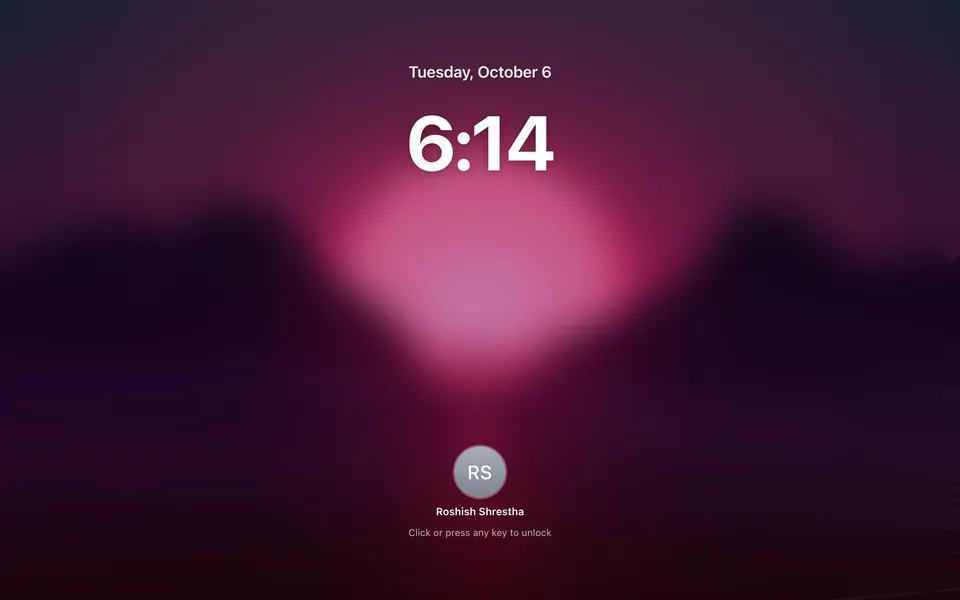
- Feel native. Draggable, resizable windows with zoom, full screen and a genie-style minimize into the Dock. A Dock that magnifies, a menu bar with working menus and Control Center, Spotlight, Quick Look, a lock screen, and light and dark appearance.
- Keep content out of the code. Everything personal (profile, experience, projects, awards, skills, wallpapers) comes from one content contract, so the template is reusable.
- Make behaviour testable. Window management, geometry, search, navigation and the file system should be plain functions with tests, not logic buried in components.
- Fail gracefully. A bad API response or a crashing app should never take down the desktop.
Approach
Content as an API, validated at the boundary. Apps never import the content file directly. They load it through a small ContentSource interface that by default fetches /api/portfolio, a route exported as a static file at build time so the site still runs on GitHub Pages. Pointing NEXT_PUBLIC_CONTENT_API_URL at any backend that returns the same shape swaps the source. The response is parsed with a Zod schema, so a malformed payload shows a readable error instead of a broken UI.
A window manager as a pure reducer. Opening, focusing, minimizing, zooming, full screen and closing are actions on a single reducer with selectors. Z-order, the "only one full-screen window" rule and restoring a minimized window on focus all live in one place and are covered by unit tests. Window geometry (snapping, clamping to the screen, resize bounds) is separate pure code with its own tests.
One virtual file system. Desktop, Finder, Quick Look, Spotlight and Terminal share a single file system model. A project is a file with tags, a preview and an open target, so it shows up consistently whether you find it in a Finder tag, a Spotlight search or with ls in Terminal. Trash, rename and recents work across all of them.
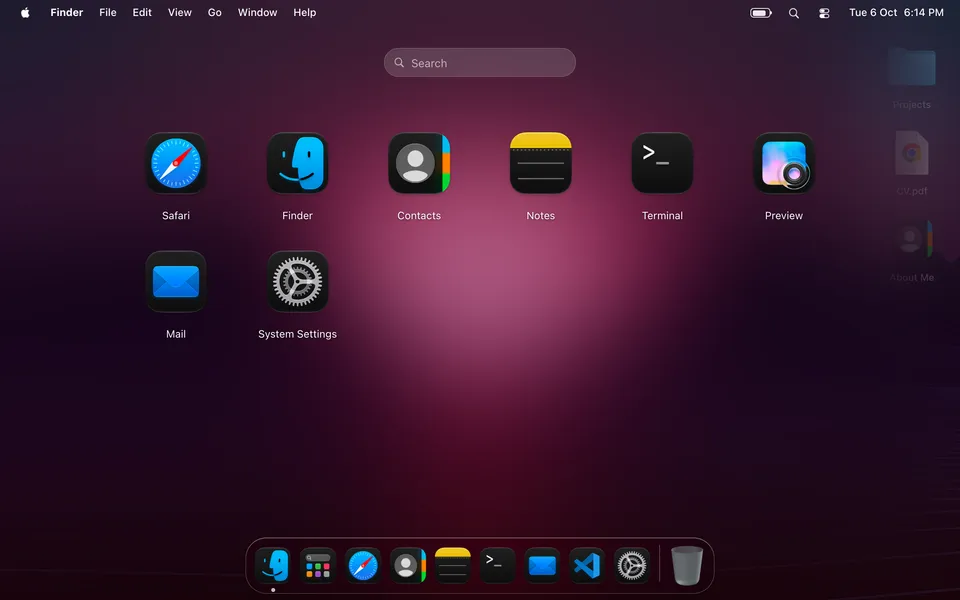
Apps that load on demand and fail alone. Each app (Finder, Safari, Notes, Terminal, Mail, Contacts, Preview, System Settings) is registered once and lazy-loaded when first opened, which keeps the first load light. Each one runs inside its own error boundary: if an app throws, you get a macOS-style "quit unexpectedly" sheet and the rest of the desktop keeps working.
Results
The rebuild turned a fun prototype into a polished, reusable product. It's now the most hands-on way to explore my work: visitors click around and open projects themselves instead of skimming a list.
As a template it does what it set out to do: clone the repo, edit one JSON file, swap the CV and wallpapers, and you have your own Mac-style portfolio, or point it at your own API. The core logic (window state, geometry, file system, browser URL handling, search, tabs and history) has unit tests behind it, so new apps and features can be added without breaking what's already there.
Gallery